
How Students and Academics Can Pick the Right PC Hardware in 2026: A Data-Driven Guide
Choosing the right computer hardware has become one of the most consequential decisions in academic life. From elementary school students running their first coding exercises to postdoctoral researchers training machine learning models, the performance gap between a well-chosen and a poorly chosen system can mean the difference between smooth productivity and constant frustration. The challenge is that most hardware marketing is designed to confuse rather than clarify — and students operating on tight budgets cannot afford to get it wrong.

This guide breaks down the CPUs and GPUs that matter most in 2026 for academic and educational use, and points to FPSBench.com as the go-to resource for verifying real-world performance data before making any purchase.
Why Hardware Research Matters for Every Academic Level
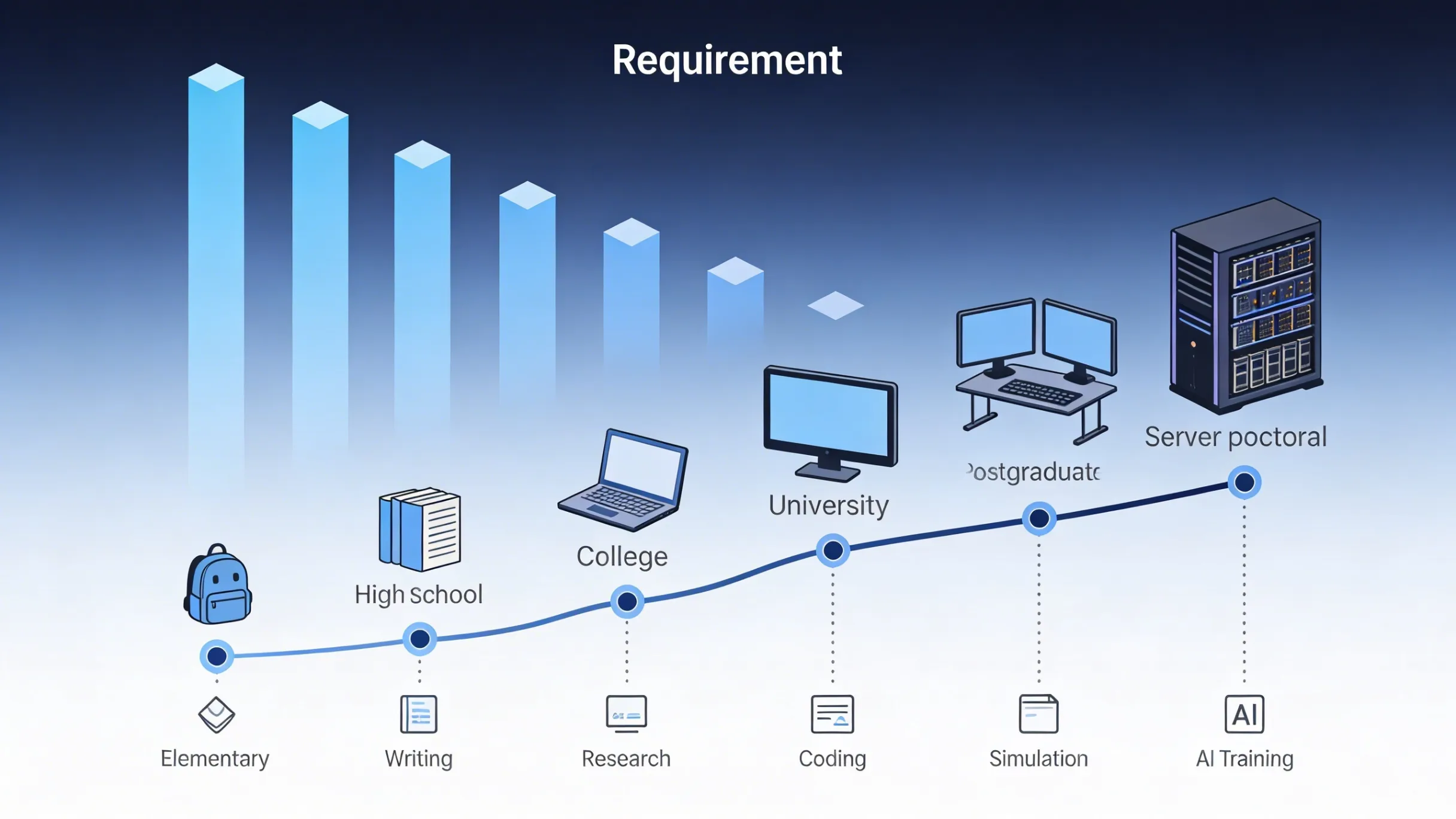
The days of a basic laptop being sufficient for all schoolwork are long gone. A K-12 student working on multimedia presentations, a college sophomore running statistical analysis in R, a university senior compiling large codebases, a postgraduate processing genomic datasets, a doctorate candidate running computational simulations, and a postdoc training neural networks — each of these scenarios demands different levels of processing power and graphics capability.
The mistake most academic buyers make is trusting manufacturer spec sheets or retailer descriptions at face value. Clock speeds, core counts, and VRAM numbers tell part of the story, but real-world performance under actual workloads is what determines whether a system helps or hinders academic progress. That is exactly the kind of data available at FPSBench.com, where benchmarks are based on first-hand hardware testing rather than theoretical projections.
The CPUs That Matter for Academic Work in 2026
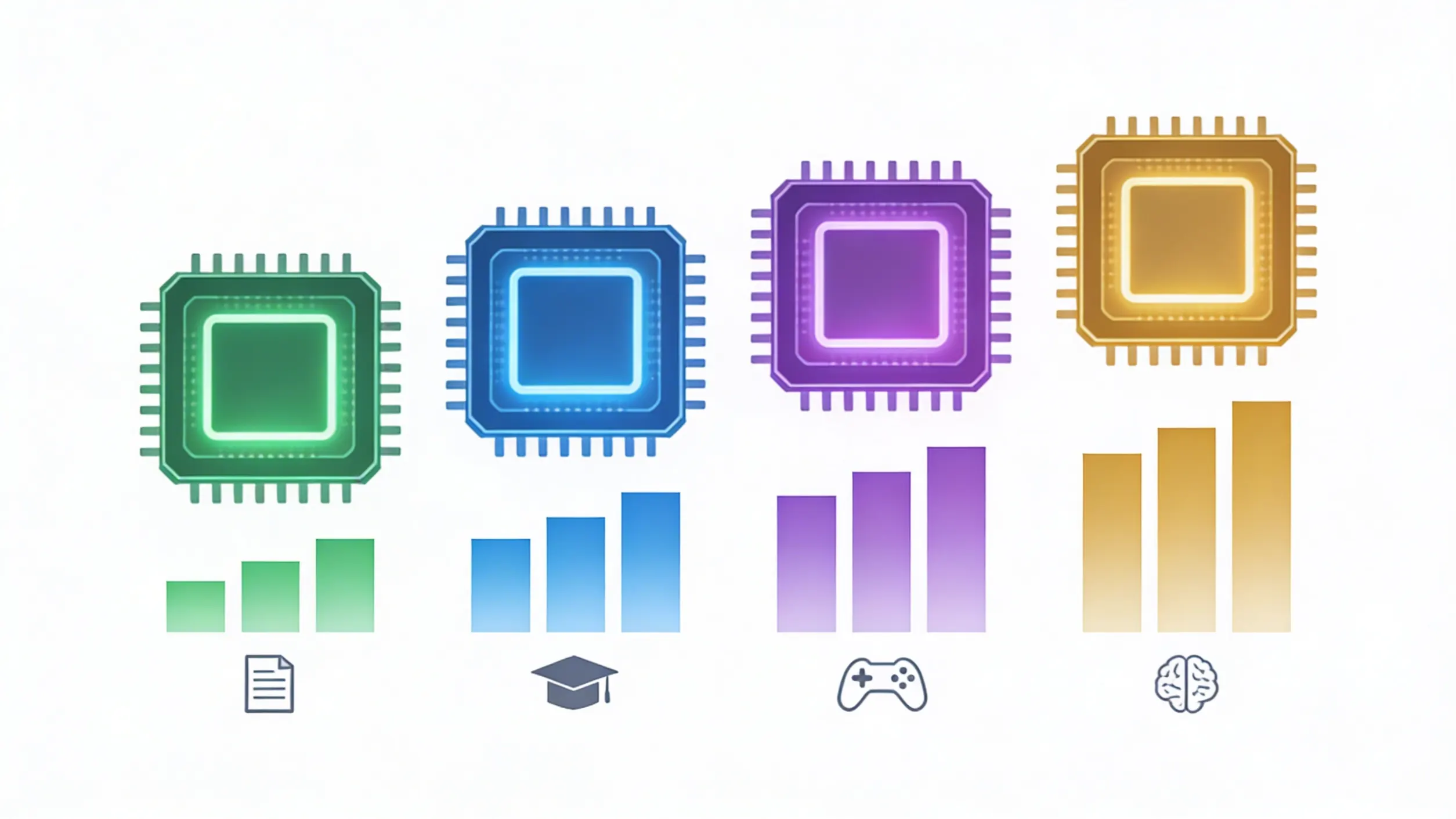
Processor selection is the foundation of any academic computing setup. The following four CPUs represent the most relevant options across different budget levels and use cases for students and researchers in 2026.
AMD Ryzen 7 9800X3D
The AMD Ryzen 7 9800X3D has established itself as one of the most versatile processors available. Built on the Zen 5 architecture with 3D V-Cache technology, this 8-core, 16-thread chip delivers exceptional single-threaded performance that benefits everything from compiling code to running office applications. For college and university students who split their time between coursework and gaming, the 9800X3D handles both scenarios without compromise. Its 96MB of L3 cache makes it particularly effective for workloads that involve large datasets — a common requirement in graduate-level research. Academic users working with MATLAB, SPSS, or similar analytical tools will find that this processor handles complex calculations with minimal wait times. Checking its real-world benchmark performance on FPSBench.com confirms that the 9800X3D consistently outperforms its specifications on paper.
Intel Core Ultra 9 285K
The Intel Core Ultra 9 285K represents Intel's Arrow Lake architecture at its finest. With its hybrid core design featuring 8 performance cores and 16 efficiency cores, this processor excels at multitasking — a critical requirement for academic users who routinely run multiple applications simultaneously. A doctoral candidate might have a simulation running in one window, a literature database open in another, a video lecture streaming in the background, and a word processor active for note-taking. The 285K handles this kind of parallel workload without breaking stride. Its integrated NPU also provides hardware-accelerated AI inference, which is increasingly relevant for students and researchers working with local AI tools for writing assistance, data analysis, or image processing.
AMD Ryzen 5 9600X
Not every student needs a flagship processor, and the AMD Ryzen 5 9600X proves that excellent academic performance does not require a premium budget. This 6-core, 12-thread Zen 5 chip delivers strong single-threaded and multi-threaded performance at a price point that makes sense for K-12 families, undergraduates, and budget-conscious graduate students. For everyday academic tasks — writing papers in Google Docs or Microsoft Word, running presentations, browsing research databases, attending video lectures, and light data analysis — the 9600X is more than capable. It also provides solid gaming performance for students who want a system that doubles as entertainment after study hours. Before purchasing, comparing its benchmarks against similarly priced alternatives on FPSBench.com helps ensure that the 9600X is the right fit for a specific workload.
Intel Core Ultra 5 245K
The Intel Core Ultra 5 245K occupies the mid-range sweet spot that appeals to a broad academic audience. With 6 performance cores and 8 efficiency cores, it provides enough processing power for university-level coursework, moderate research computing, and comfortable multitasking. The integrated NPU makes it future-ready for the growing wave of AI-powered academic tools that are becoming standard in educational environments. For postgraduate students who need reliable performance without overspending, the 245K strikes an effective balance. Its power efficiency also translates to quieter operation and lower electricity costs — practical considerations for students living in dormitories or shared housing where noise and utility bills matter.
The GPUs That Define Academic and Creative Computing in 2026
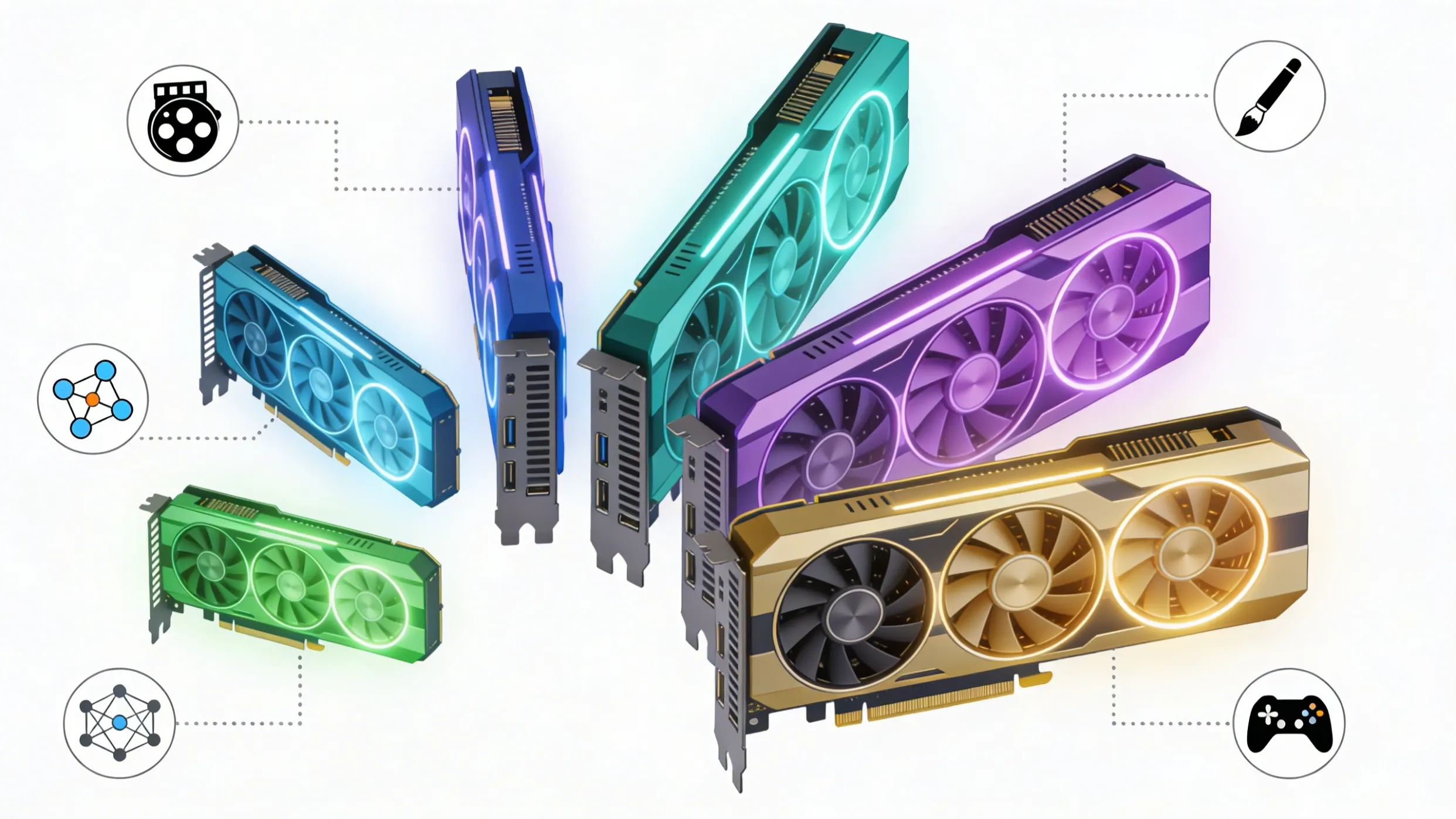
Graphics processing units are no longer just for gaming. In 2026, GPUs drive AI model training, accelerate scientific simulations, power video editing workflows, and enable real-time 3D visualization. For academic users, selecting the right GPU can dramatically impact research productivity and creative output.
NVIDIA GeForce RTX 5090
The NVIDIA GeForce RTX 5090 sits at the top of the consumer GPU hierarchy and represents the most powerful option for academic users with demanding computational needs. Built on the Blackwell architecture with 32GB of GDDR7 memory, this card is a serious tool for postdoctoral researchers and doctorate candidates working with large-scale AI training, molecular dynamics simulations, or high-resolution scientific visualization. The 5090's CUDA core count and memory bandwidth make it capable of handling workloads that would previously have required dedicated workstation hardware. For AI and machine learning coursework at the graduate level and beyond, having access to this level of local compute power eliminates the dependency on cloud GPU instances and their associated costs. Performance data for the RTX 5090 is available on FPSBench.com, providing verified benchmarks that help justify the investment.
NVIDIA GeForce RTX 5080
The NVIDIA RTX 5080 delivers a compelling balance of performance and value for serious academic users. With 16GB of GDDR7 memory and Blackwell architecture efficiency, this GPU handles AI inference, video editing, 3D rendering, and gaming with confidence. University students in computer science, data science, or digital media programs will find that the 5080 provides enough horsepower for coursework, personal projects, and research without the premium price tag of the 5090. It is also an excellent choice for postgraduate students who need to run local AI experiments but cannot justify flagship pricing. The Rate My PC tool on FPSBench.com can help determine whether an existing system paired with a 5080 would meet specific academic computing requirements.
NVIDIA GeForce RTX 5070 Ti
The RTX 5070 Ti represents the upper mid-range of NVIDIA's Blackwell lineup and hits a price-to-performance ratio that makes it particularly attractive for college and university students. With 12GB of GDDR7 memory, it provides ample capacity for most academic workloads including moderate AI training, video production for coursework, and comfortable 1440p gaming during downtime. For students in engineering, architecture, or design programs who regularly work with CAD software, rendering engines, or simulation tools, the 5070 Ti offers professional-grade capability at a student-friendly price. Verifying its real-world frame rates and compute benchmarks on FPSBench.com before purchasing ensures that expectations align with actual delivered performance.
AMD Radeon RX 9070 XT
The AMD Radeon RX 9070 XT brings strong competition to the mid-range GPU segment with its RDNA 4 architecture and 16GB of GDDR6 memory. For academic users who prioritize value, this card delivers excellent rasterization performance and capable compute throughput at a lower price than comparable NVIDIA options. College students building their first serious PC, K-12 families looking for a capable system that will last through several school years, and budget-minded graduate students will all find the 9070 XT to be a smart investment. While its AI-specific acceleration does not match NVIDIA's CUDA ecosystem in software support, for general academic computing, gaming, and creative work, the 9070 XT performs admirably. Cross-referencing its benchmarks with competing cards on FPSBench.com provides the objective comparison data needed to make a confident choice.
NVIDIA GeForce RTX 5060 Ti
The NVIDIA RTX 5060 Ti targets the budget-conscious academic buyer who still wants access to modern GPU features including hardware ray tracing, DLSS upscaling, and CUDA-based AI acceleration. With 8GB of GDDR7 memory, this card handles everyday academic tasks, 1080p gaming, light video editing, and introductory AI coursework without difficulty. For K-12 students, undergraduates, and anyone building a general-purpose academic PC on a limited budget, the 5060 Ti provides modern features and respectable performance without financial strain. It is the kind of card that makes sense as a first GPU for a student who is just beginning to explore computational fields and needs a capable starting point. Benchmark comparisons on FPSBench.com help confirm whether the 5060 Ti meets the performance threshold for specific academic software requirements.
The AI Factor: Why GPU Choice Matters More Than Ever in Academia
Artificial intelligence has moved from a niche research topic to a fundamental tool across virtually every academic discipline. Literature students use AI-assisted analysis tools. Biology researchers run protein folding predictions. Economics doctoral candidates train predictive models on financial datasets. Education postgraduates develop adaptive learning systems. In every case, local GPU compute power determines how quickly these tasks complete and whether they are feasible on a personal machine at all.
The shift toward local AI processing — running models on a personal GPU rather than relying exclusively on cloud services — has made GPU selection a critical academic decision. Cloud GPU time is expensive, and for students and early-career researchers operating on limited funding, a well-chosen local GPU can pay for itself within months by eliminating cloud compute bills. Checking AI-specific benchmarks and inference performance data on FPSBench.com provides the practical information needed to evaluate whether a particular GPU can handle the AI workloads relevant to a specific field of study.
Beyond Specs: Why Real-World Benchmarks Are Essential
Manufacturer specifications provide a starting point, but they do not tell the complete story. Two GPUs with identical VRAM capacities can deliver vastly different performance in the same application. Two CPUs with the same core count can show significant gaps in real-world compilation times or data processing speed. The only way to understand actual performance is through real-world benchmarking — and that is precisely what FPSBench.com provides.
For academic buyers, this matters because every dollar spent on hardware is a dollar not spent on textbooks, tuition, research materials, or living expenses. Making an informed hardware decision based on verified benchmark data is not just smart shopping — it is responsible financial planning. A student who checks FPSBench.com before purchasing a CPU or GPU is a student who avoids the costly mistake of buying hardware that underperforms expectations.
The platform's Rate My PC tool is especially useful for students considering upgrades rather than full system builds. By evaluating current system performance against the broader hardware landscape, this tool identifies whether a targeted upgrade — a new GPU, for example — would deliver meaningful improvement, or whether the existing system is already performing at an acceptable level for the required workload.
Making the Right Choice at Every Academic Stage
The hardware needs of a fifth-grader learning to code in Scratch are fundamentally different from those of a postdoctoral researcher running distributed computing experiments. Yet the principle remains the same at every level: accurate performance data leads to better purchasing decisions. Whether the budget is $500 or $5,000, whether the use case is writing essays or training transformer models, the process of comparing real-world benchmarks before committing to a purchase protects both the investment and the academic workflow that depends on it.
FPSBench.com exists to make that process straightforward. With comprehensive CPU and GPU benchmark data gathered from actual hardware testing, detailed comparison tools, and the practical Rate My PC assessment feature, the platform provides everything an academic buyer needs to make a confident, data-backed hardware decision. In a market full of inflated marketing claims and misleading specifications, having access to honest, first-hand performance data is not a luxury — it is a necessity.